


MyPrioritiesIQ: Your Wi-Fi's Air Traffic Controller
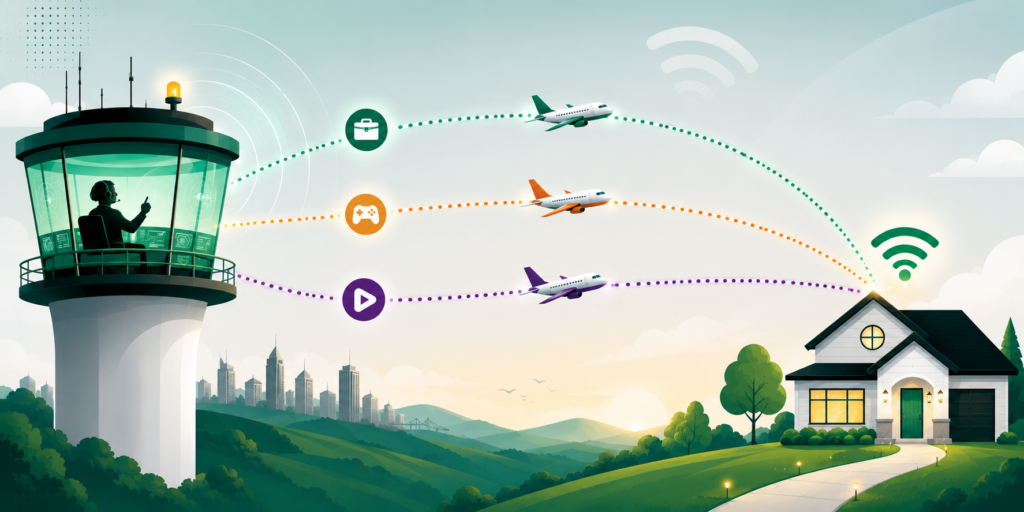
Smart Wi-Fi that prioritized important connections with just a tap.
MyPrioritiesIQ is like having a traffic controller for your home Wi-Fi. Whether you're heading into an important work presentation, jumping into a gaming session, or settling in for movie night, MyPrioritiesIQ makes sure your most important activities get the bandwidth they need. One tap is all it takes.
What is MyPrioritiesIQ?
MyPrioritiesIQ is a smart Wi-Fi optimization feature built right into your Gibson Connect Smart Home App. With three easy-to-use modes - Work, Gaming, and Streaming - you can instantly tell your network what matters most right now. Behind the scenes, MyPrioritiesIQ adjusts your Wi-Fi traffic so those activities get top priority over everything else happening on your network.
The best part? It's already part of your Gibson Connect experience. No extra equipment, no extra cost. Just open the app, pick a mode, and let MyPrioritiesIQ do the rest.
How MyPrioritiesIQ Works for You
Think of your home Wi-Fi like a busy airport. When everyone's online at the same time - watching a show, gaming, wrapping up a work call, FaceTimeing grandmom - the skies get crowded. MyPrioritiesIQ acts like an air traffic controller, clearing a runway for whatever is most important to you right now. Heading into an important meeting? Switch to Work mode for a smooth connection on every video call. Hosting game night? Gaming mode keeps your connection rock solid. Settling in for the big movie? Streaming mode guides your show in for buffer-free playback. When you're done, just turn the mode off or pick a different one, your Wi-Fi reroutes the bandwidth instantly.
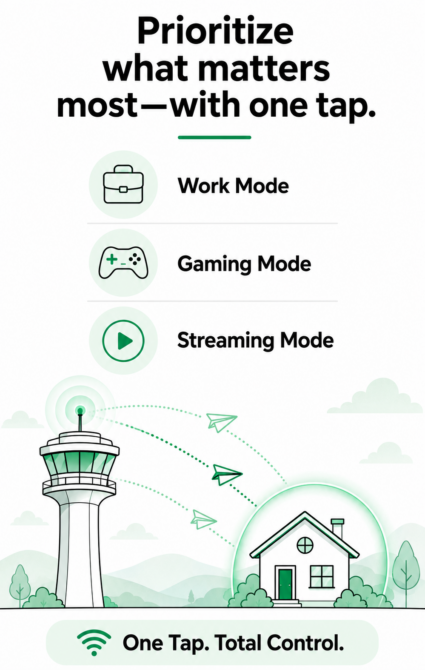
Everything MyPrioritiesIQ Does for You
One-Tap Smart Modes
Choose from Work, Gaming, or Streaming to instantly optimize your Wi-Fi for whatever you're doing. No technical knowledge required--just tap and go.
Work Mode
Keeps your video calls clear, file uploads fast, and remote work tools running without interruption. Perfect for important meetings, presentations, or any time work needs to come first.
Gaming Mode
Reduces lag and prioritizes your gaming console or PC so you can compete at your best. Stay in the game without buffering, freezing, or dropped connections.
Streaming Mode
Smooth, buffer-free playback on every screen. Whether you're watching the big game, binging a series, or hosting movie night, your stream gets the bandwidth it needs.
Real-Time Optimization
MyPrioritiesIQ continuously adjusts your network traffic in the background to deliver the best possible experience for the activity you've chosen.
Device-Level Priority
Want to prioritize a specific device (like your work laptop or gaming console) regardless of activity? You can select up to five devices to prioritize over others on your network through the Gibson Connect Smart Home App.
Schedule Your Priorities
Set up to three different schedules so different priorities kick in automatically during certain hours and days. Prioritize work during weekday business hours and gaming in the evenings--all without lifting a finger.
Easy In-App Control
Everything is managed right from the Gibson Connect Smart Home App. Switch modes, check status, and adjust priorities anytime from your phone or tablet.
Works with Every Device
MyPrioritiesIQ optimizes traffic for every device connected to your Gibson Wi-Fi. Phones, laptops, TVs, gaming consoles, smart home gear, and anything else online in your home.
Included with Your Service
MyPrioritiesIQ is part of your Gibson Connect internet service at no additional cost.